UX vs UI: What’s the Difference (and Why It Matters)
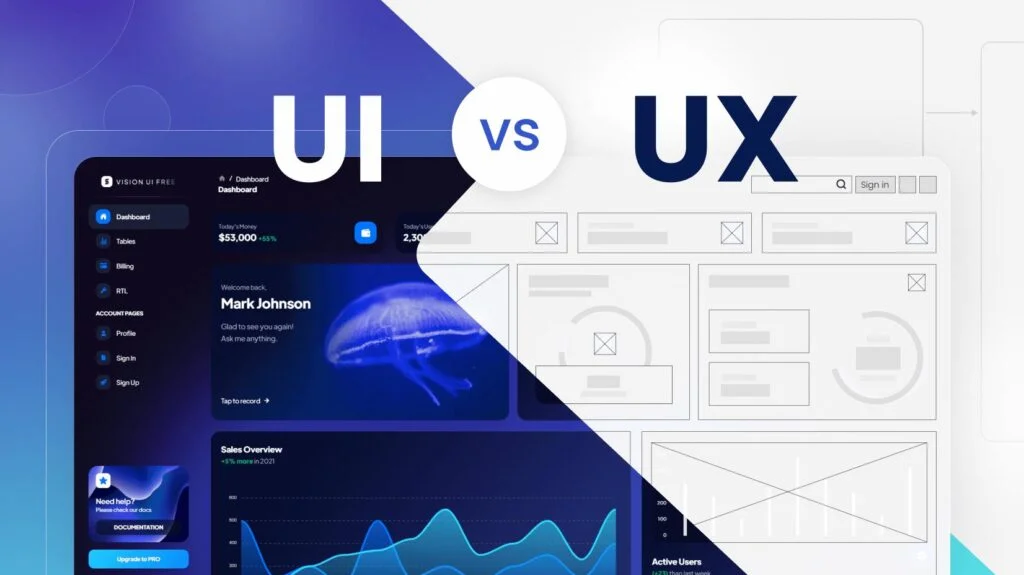
If you’ve ever nodded along in a meeting when someone said “we need better UX/UI,” you’re not alone. These two terms get bundled together so often they’ve basically become one word.
But here’s the truth: UX and UI are not the same thing. They work together but they solve very different problems.
Let’s break it down in a way that actually makes sense.
First, the Simple Version
- UX (User Experience) = How it works
- UI (User Interface) = How it looks
- You need both. And when one is off… people notice.
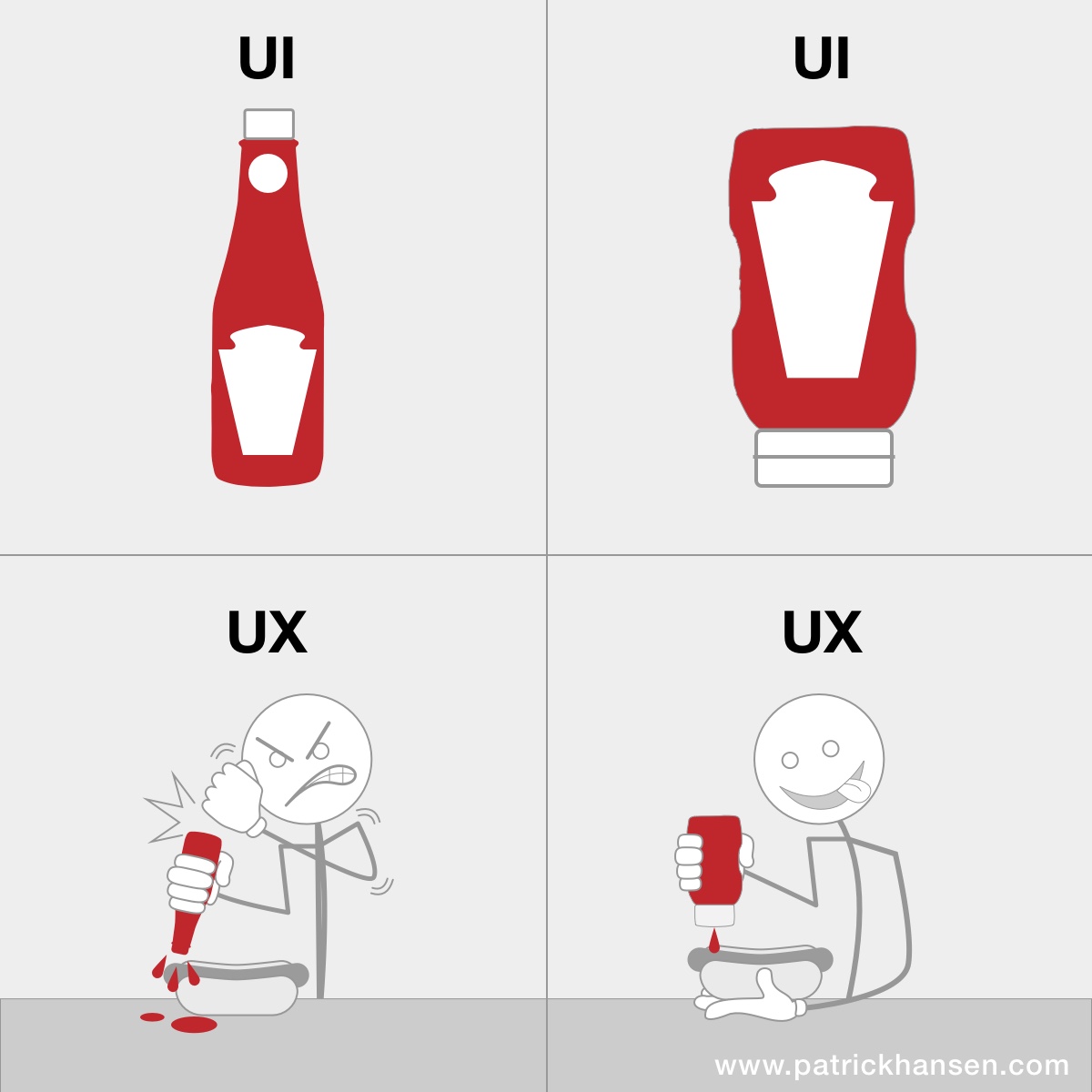
What is UX (User Experience)?
UX is all about the overall experience someone has when using your website.
It’s the behind-the-scenes thinking that answers questions like:
- Is this easy to use?
- Can people find what they need quickly?
- Does the journey make sense?
Good UX feels invisible.
Bad UX feels like trying to open a door that says “pull”… but actually needs a push.
UX in the real world:
- A checkout process that takes 30 seconds instead of 5 minutes
- Navigation that makes sense without thinking
- Forms that don’t feel like a chore
As we’ve covered in our post “Speed Sells”, performance plays a key role in user experience
💡 If users get frustrated, confused, or leave, that is a UX problem.
What is UI (User Interface)?
UI is the visual layer. Everything users see and interact with is the interface.
It includes:
- Colors
- Fonts
- Buttons
- Layout
- Spacing
- Images
UI is what makes your brand feel polished, modern, and trustworthy.
UI in the real world:
- A clean, modern homepage
- Buttons that are easy to spot and click
- Consistent colors and typography
💡 If users say “this looks outdated” or “this feels off,” that is a UI problem.
The Best Way to Think About It
Another way to look at it is to compare it to a house:
- UX = The layout of the house
(Do the rooms make sense? Can you get to the kitchen without walking through a closet?) - UI = The interior design
(Are the colors nice? Is the furniture inviting? Does it feel modern?)
You can have:
- A beautiful house that’s impossible to live in → Great UI, Bad UX
- A functional house that looks outdated → Great UX, Bad UI
Good UI gets attention and Good UX keeps it.
You might attract visitors with a beautiful design but if they can’t find what they need? They’re gone.
On the flip side, you might have a super functional site but if it looks outdated or clunky? People won’t trust it. And trust is everything online.
The best websites don’t make you think about UX or UI at all.
They just feel… right.
- You land on the page → it looks great
- You start clicking → everything makes sense
- You take action → no friction
That’s UX and UI working together behind the scenes.
A Quick Test for Your Own Site
Ask yourself:
- Can someone new navigate my site without help? (UX)
- Does my site feel modern and aligned with my brand? (UI)
- Is it easy to take the next step: contact, buy, sign up? (UX)
- Do my buttons, colors, and layout guide users naturally? (UI)
If you hesitated on any of these… there’s opportunity. We handle both sides in our UI and UX design work.
Final Thought
UX and UI aren’t competing ideas; they’re partners.
One builds the experience.
The other brings it to life.
And when both are done well?
👉 That’s when websites don’t just look good. They perform.