Why 301 Redirects Matter More Than You Think
Most business owners don’t think about redirects until something breaks; a customer complaint about a dead link, a sudden drop in Google traffic, or a developer mentioning them mid-migration. But 301 redirects are one of the quietest, most important tools in keeping a website healthy. Done right, no one notices them. Done wrong, you can lose years of SEO work overnight.
Here’s why they deserve more attention than they usually get.
What a 301 Redirect Actually Does
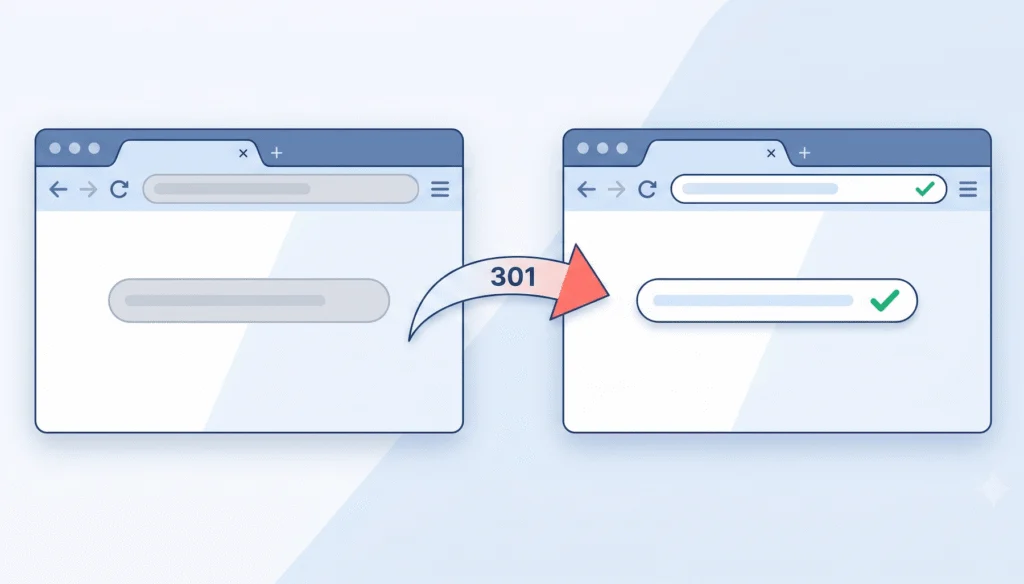
A 301 redirect tells browsers and search engines that a page has permanently moved from one URL to another. The visitor lands on the new page automatically. More importantly, search engines transfer the authority (the ranking power, the backlinks, the years of trust) from the old URL to the new one.
The “301” is just a status code. The work it does behind the scenes is enormous.
Why 301s Are Critical During a Website Migration
If you’re moving platforms, say from Magento to WooCommerce, or from an old custom site to WordPress, almost every URL on your site is about to change. Without a proper redirect map, every old link to your store, every product page indexed by Google, and every blog post shared on social media becomes a 404.
That’s not just bad user experience. It signals to search engines that your site has disappeared. Rankings drop. Traffic vanishes. Customers who bookmarked your pricing page hit a dead end.
We go deeper into this in our post on the top five challenges of website migration, but the short version is this: a careful 301 redirect strategy is often the single biggest factor in whether a migration preserves your SEO or wipes it out.
Why They Matter Even When You’re Not Migrating
Redirects aren’t just a migration tool. They’re an ongoing part of running a healthy website.
Every time you rename a blog post, restructure a navigation menu, retire an old service page, or merge two products into one, you create a URL that used to work and now doesn’t. A 301 redirect catches that and sends both the visitor and Google somewhere useful.
Without them, your site slowly accumulates broken links. Visitors hit 404 pages. Internal links break. Your overall website health degrades quietly until one day you notice organic traffic has been sliding for months and no one is sure why.
Where 301 Redirects Go Wrong
A few common mistakes we see all the time:
- Redirect chains. Page A redirects to B, which redirects to C. Search engines penalize it, and it slows down your site.
- Using 302 (temporary) instead of 301. A 302 tells Google the change is temporary, so no authority gets passed along.
- Pointing everything to the homepage. It’s tempting, but it signals that your old pages weren’t relevant. Always redirect to the closest matching page.
- Forgetting to update internal links. Redirects work, but direct links are faster and cleaner. Update them when you can.
These are the kinds of details our custom programming and web design and development teams catch before they turn into problems.
How NDIC Handles Redirects
For migration projects, we build a complete URL-to-URL redirect map before launch and test it thoroughly after.
When we build or redesign a website, we include training that shows clients how to add their own redirects whenever they need to.
And for our regular maintenance clients on managed WordPress hosting, we’re happy to step in whenever something comes up, whether that’s identifying broken links or adding missing 301s.
If you’re planning a redesign, switching platforms, or just want a second set of eyes on your current redirects, get in touch. It’s a small piece of technical work that protects a very large part of your business.